Top 7 Stroke Rate Apps for Rowers
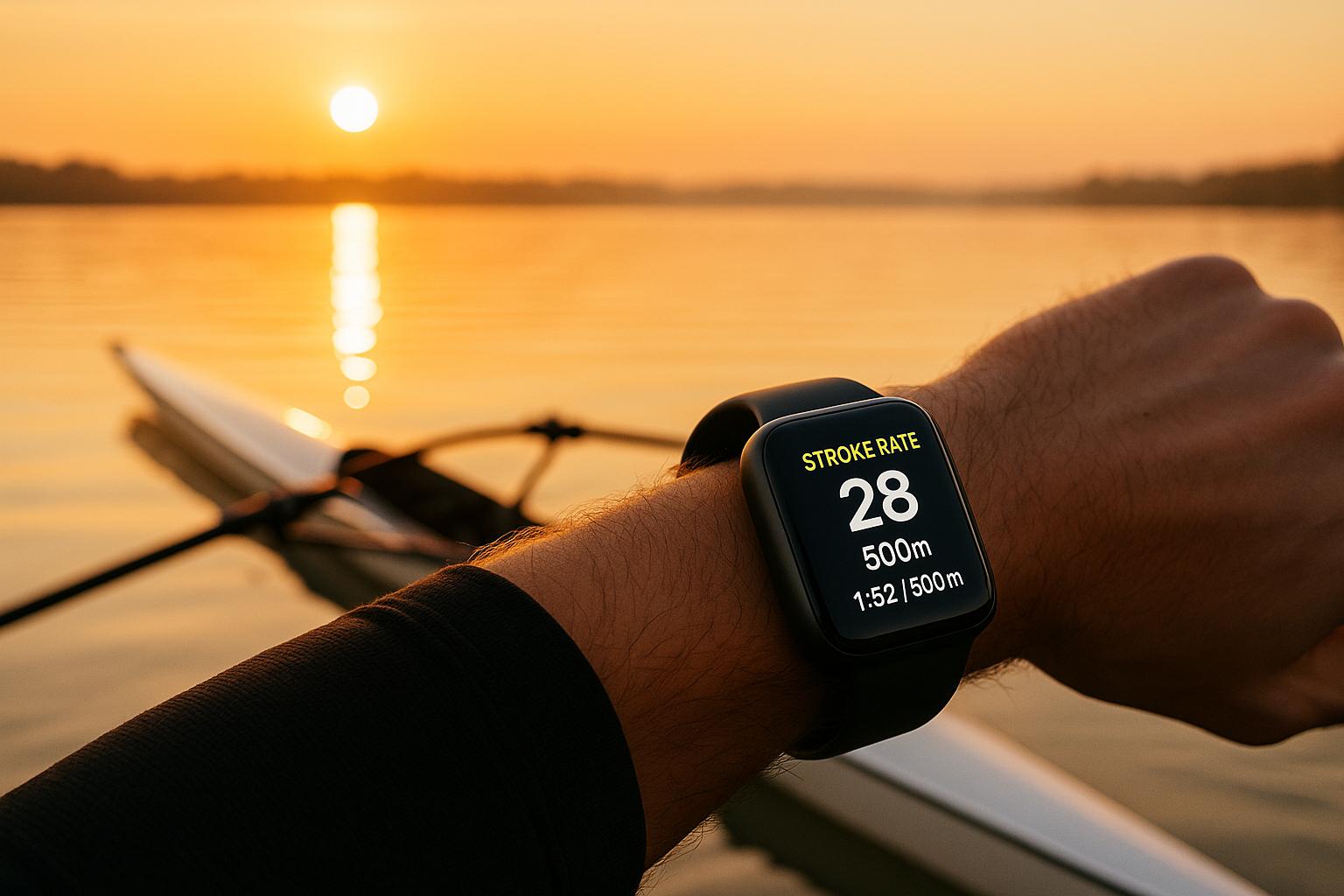
Tracking stroke rate is essential for rowers to improve pacing, maintain intensity, and refine technique. Whether you’re on the water or using an indoor rowing machine, these apps provide real-time feedback to help you optimize performance. Here’s a quick look at the top options:
- Strokes Per Minute: A simple tap-based app for on-water coaching using iOS devices.
- The Rowing App: Another iOS-exclusive tool for manual stroke tracking, ideal for coaches and coxswains.
- CrewNerd: Offers automatic stroke tracking and performance metrics for on-water rowing.
- ErgData: Concept2‘s official app for indoor rowing with precise data integration, free for all users.
- LiveRowing: Tailored for Concept2 machines, combining performance tracking with competitive challenges.
- EXR: Turns indoor rowing into a gamified experience with 3D virtual environments.
- Asensei: Provides guided coaching and stroke rate targets for improving indoor rowing technique.
Each app caters to specific needs, whether you’re an on-water rower, indoor enthusiast, or coach. Choose based on your rowing environment, preferred features, and budget.
Quick Comparison:
| App | Platform | Best For | Cost |
|---|---|---|---|
| Strokes Per Minute | iOS (iPhone, iPad, Watch) | On-water coaching | Free + Paid Options |
| The Rowing App | iOS | On-water coaching | Free + Paid Options |
| CrewNerd | Mobile | On-water performance tracking | One-time Purchase |
| ErgData | iOS, Android | Indoor rowing with Concept2 | Free |
| LiveRowing | iOS | Indoor rowing & challenges | Free + Premium Options |
| EXR | iOS, Android, Windows, macOS | Gamified indoor rowing | Free Trial + Subscription |
| Asensei | Mobile | Guided indoor coaching | Subscription |
These apps simplify stroke rate monitoring, helping you stay consistent and improve over time. Whether you’re a beginner or a seasoned rower, there’s an app to fit your goals.
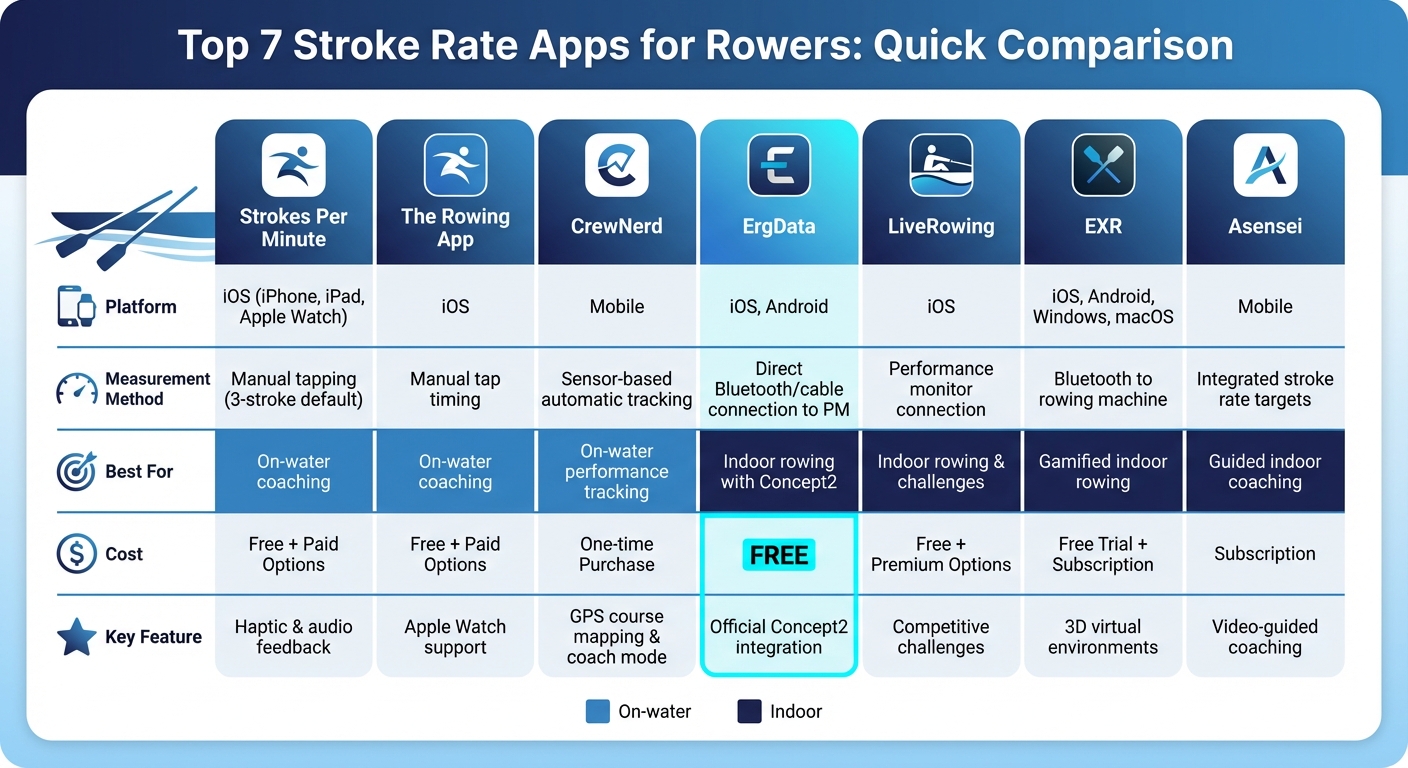
Comparison of Top 7 Stroke Rate Apps for Rowers: Features, Platforms, and Pricing
This App Makes Rowing Machines 10x Better (Are You Using It?)
How Stroke Rate Apps Work
Stroke rate apps function through three main measurement methods, each tailored to different rowing scenarios and user preferences.
The manual tapping method involves counting each stroke by tapping the screen, with the app calculating strokes per minute (SPM) based on the stroke count over time. For example, some apps use a 3-stroke window to strike a balance between speed and accuracy. Many apps also offer haptic feedback or spoken audio cues, allowing coaches to focus on the crew rather than the screen during sessions.
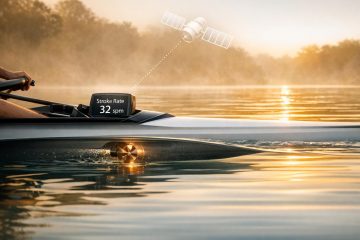
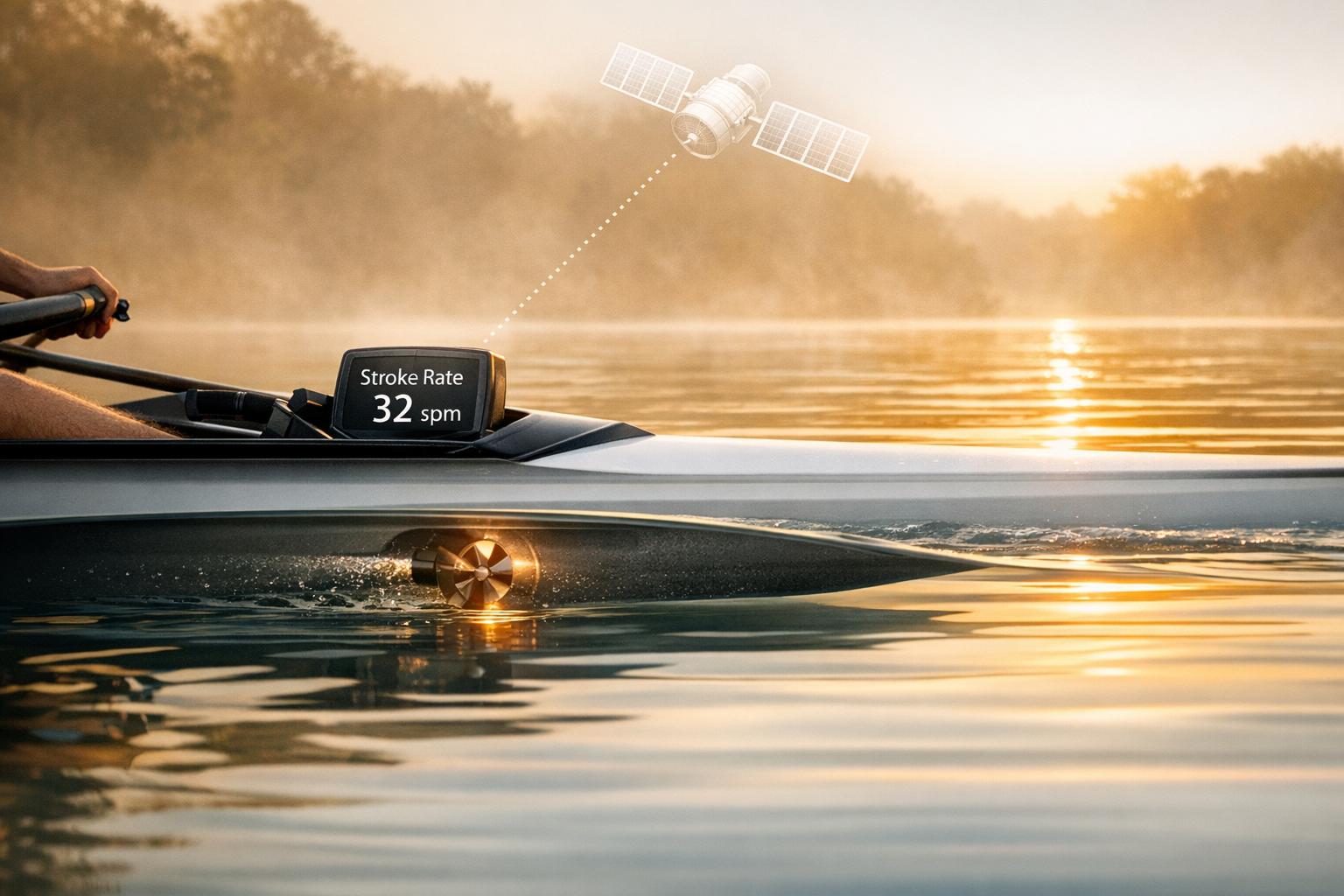
Sensor-based detection leverages smartphone sensors like accelerometers or GPS to automatically track rowing motions. This method works best for on-water rowing but requires proper phone placement and favorable conditions to ensure accuracy.
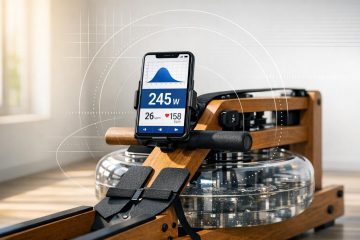
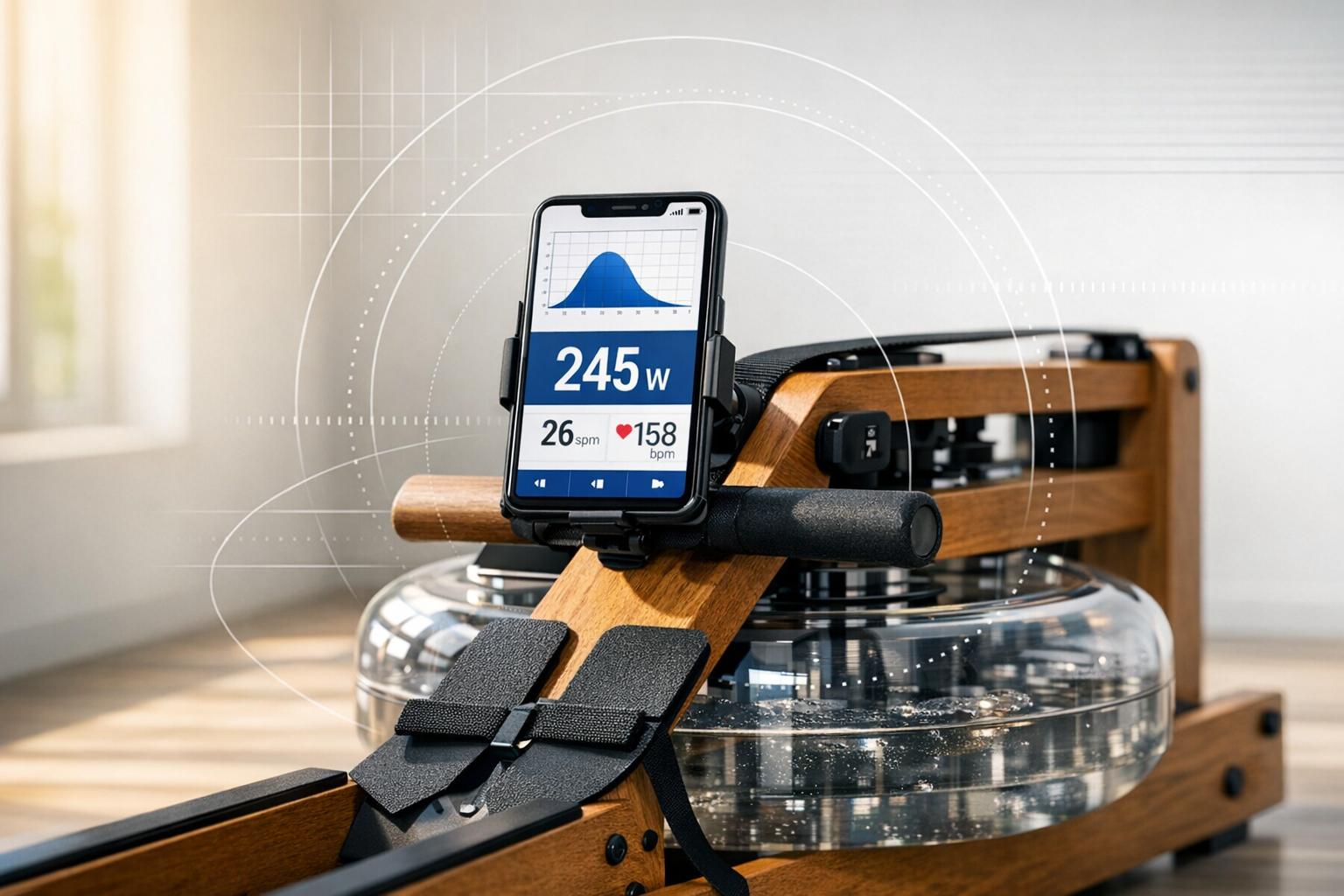
Lastly, hardware-connected apps – such as ErgData and LiveRowing – connect directly to rowing machines via Bluetooth. These apps provide precise, real-time metrics like pace, watts, distance, and calories by pulling data directly from the machine’s sensors. This makes them particularly effective for indoor ergometer training.
When selecting a stroke rate app, think about a few key factors: compatibility with your device (iOS or Android), your rowing equipment, and the type of feedback you prefer – whether visual, audio, or haptic. Additionally, consider whether features like session logging or workout history are important for your needs. Manual tapping apps are great for quick checks, while hardware-connected options are ideal for competitive rowers seeking detailed performance metrics. Each method suits specific rowing environments, whether you’re training indoors or out on the water, and sets the foundation for the app features discussed in the next section.
1. Strokes Per Minute
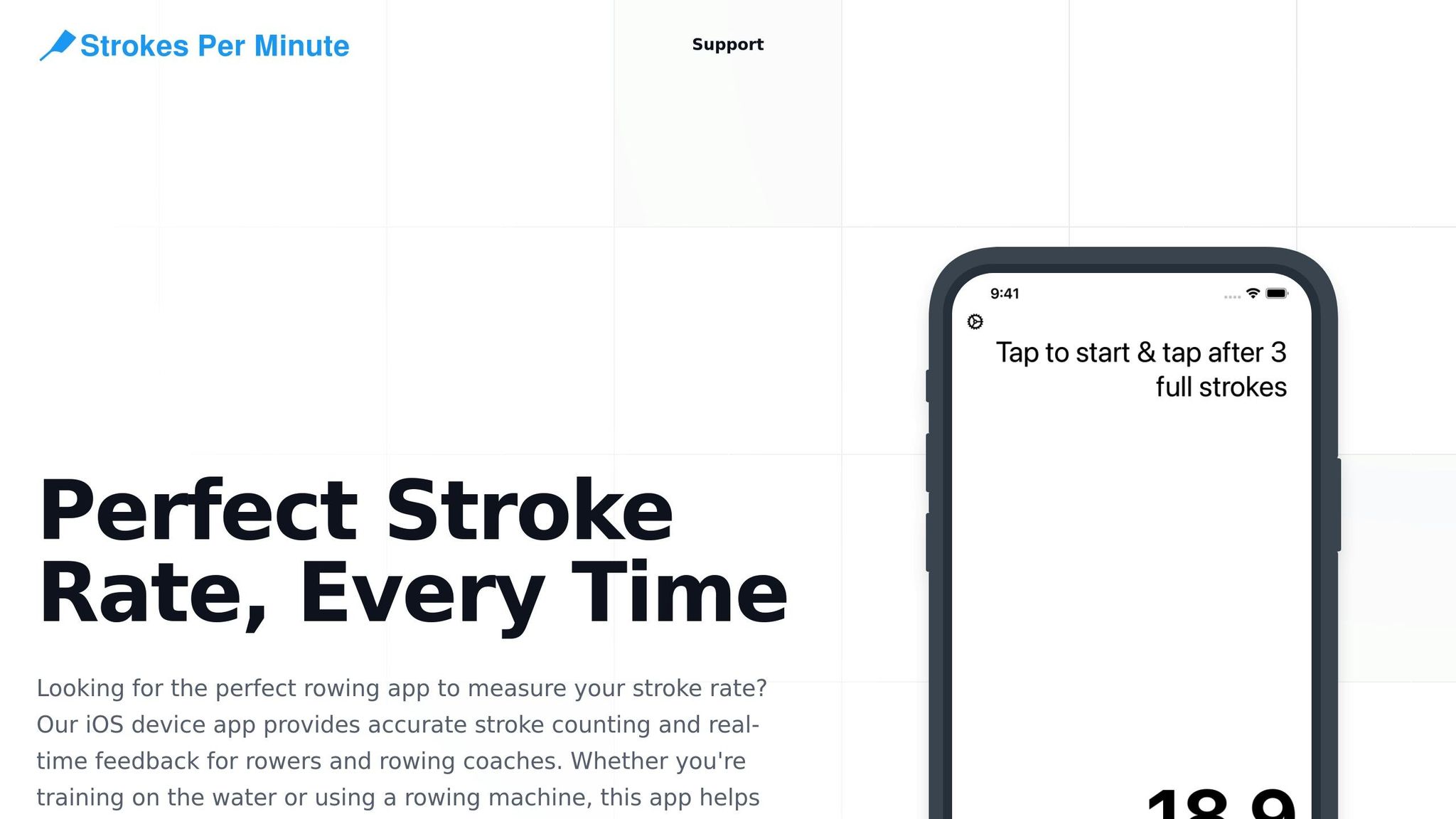
Strokes Per Minute, often referred to as the Rowing Stroke Rate Stopwatch, was developed by a rowing coach as a handy alternative to a misplaced rating watch. This app offers a straightforward, tap-based stroke rate calculator, making it a go-to tool for coaches, coxswains, and rowers during on-water sessions. It’s part of the growing trend of using real-time technology to enhance coaching and optimize performance. Below, we’ll explore its platform compatibility, how it measures stroke rates, its primary uses, and pricing details.
Platform Compatibility
The app is designed for iOS devices, including iPhones, iPads, and the Apple Watch. On smartphones and tablets, users tap the screen to receive vibration or audio feedback. For those using the Apple Watch, tapping the wrist provides a seamless experience tailored for on-water use. Keep in mind, speech features and certain customizations aren’t available on the watch version.
Stroke Rate Measurement Method
The app employs a manual tap system, typically grouping three strokes together as the default setting to smooth out variations. Users can adjust this setting, choosing fewer taps for quicker feedback or up to 10 taps for more stable readings. It calculates both the stroke rate and the time per stroke. With vibration and audio feedback, coaches can stay focused on their crews without unnecessary distractions. Common benchmarks include 18–22 strokes per minute (SPM) for endurance training and 30–38+ SPM for racing scenarios.
Primary Use Case
Designed as a versatile coaching tool, this app provides quick and accurate stroke rate readings, eliminating the need for a dedicated rating watch. It’s well-suited for both on-water and indoor rowing sessions, making it valuable for club coaches, coxswains, and even masters rowers.
Pricing Model
The app is free to download, with additional features accessible through a subscription or a one-time lifetime purchase. Pricing is handled in USD via the Apple App Store, giving rowing clubs the opportunity to test the app before making a long-term commitment.
2. The Rowing App
The Rowing App was born from the simple idea of reviving a forgotten rating watch, offering a way to track strokes per minute through manual tapping. It’s tailored for coaches, coxswains, and rowers who need quick and reliable stroke rate feedback without lugging around a dedicated device. This aligns perfectly with the goal of providing efficient, real-time stroke monitoring.
Platform Compatibility
This app is built exclusively for iOS devices, including iPhones, iPads, and the Apple Watch. The Apple Watch version is particularly handy, letting users tap directly on their wrist for hands-free operation during on-water sessions. However, it’s worth noting that there’s currently no version available for Android or desktop users.
Stroke Rate Measurement Method
The app employs a manual tap system for stroke tracking, with a default setting of grouping strokes in threes to strike a balance between speed and accuracy. Users can adjust this, ranging from a single tap for immediate feedback to up to 10 taps for more stable and precise readings. To keep the focus on the crew, the app provides haptic and audio feedback, so coaches don’t have to constantly glance at the screen. Next, we’ll dive into how its performance and pricing stack up against other top apps.
Primary Use Case
The Rowing App is specifically designed for on-water coaching. It’s a great tool for coaches observing crews from launch boats, coxswains calling out rates during practice, and rowing clubs that don’t have access to integrated boat electronics. Its minimalistic design ensures that distractions are kept to a minimum during active coaching sessions.
Pricing Model
The app follows a hybrid pricing approach. After an initial trial or limited free access, users can choose between a one-time purchase for lifetime access or an ongoing subscription plan. Both options are available as in-app purchases, processed in USD through the Apple App Store.
3. CrewNerd
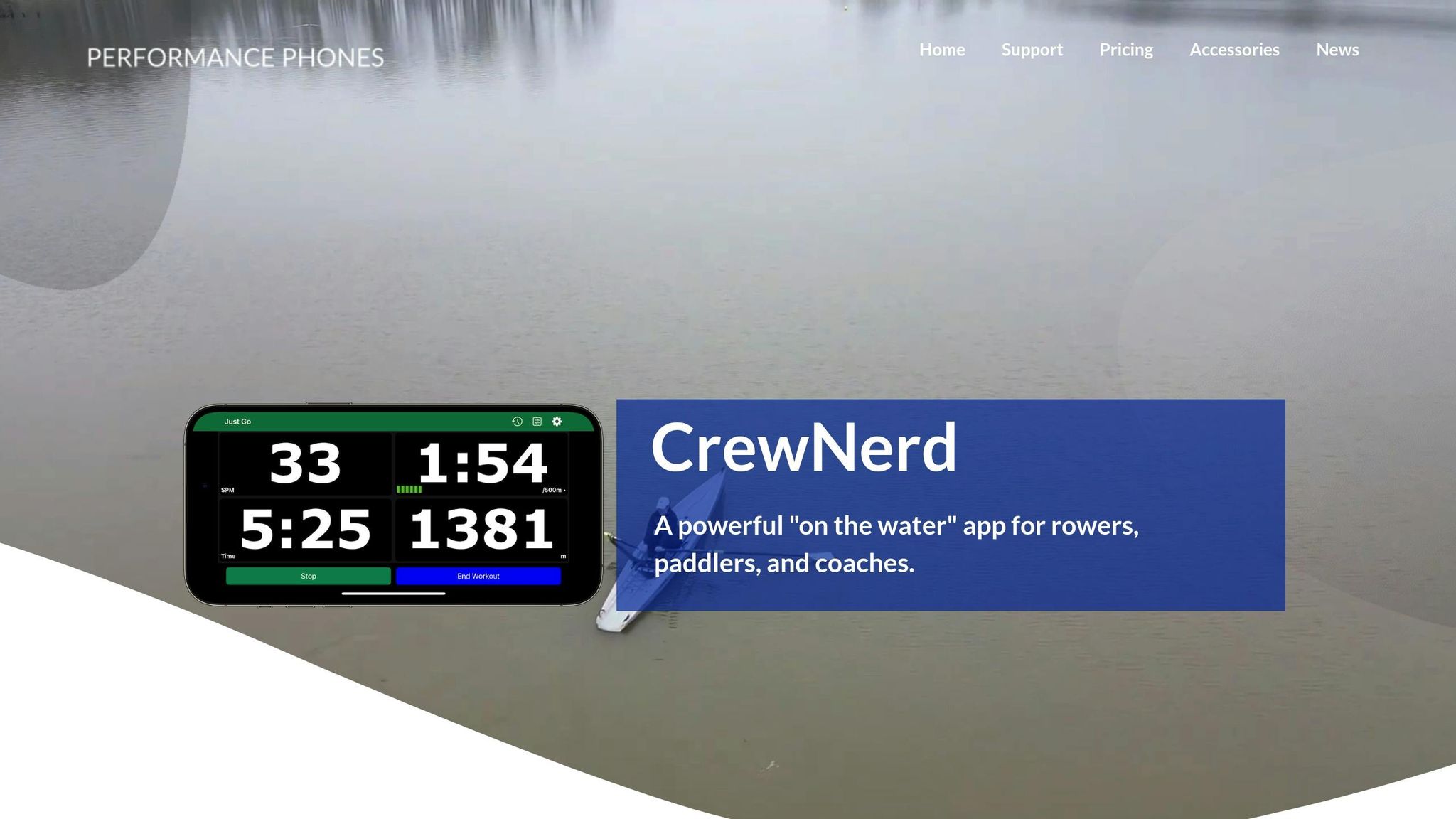
CrewNerd takes manual stroke tracking to the next level, combining automatic measurement with a wide range of performance metrics.
This app is designed for rowers and paddlers, offering detailed data like stroke rate, speed, distance per stroke, bounce, stern check, and GPS course mapping. These features make it a powerful tool for analyzing and improving training sessions on the water.
Platform Compatibility
CrewNerd is available for mobile devices, making it easy to use during practice.
Stroke Rate Measurement Method
The app automatically tracks stroke rate and pairs with Bluetooth heart rate monitors, providing both technical and physiological data for a complete performance overview.
Primary Use Case
CrewNerd is tailored for on-water rowing and paddling. It’s especially useful for club teams and coaches, with features like a coach mode that allows real-time monitoring of multiple crews. Live location sharing adds an extra layer of safety and convenience during training.
Pricing Model
CrewNerd follows a one-time purchase model, making it a budget-friendly choice for rowing clubs. This pricing structure is ideal for equipping multiple coaches without the burden of recurring subscription fees. Its practicality and reliability have earned it high praise from users. Up next, we’ll explore another app that offers advanced stroke rate tracking.
4. ErgData
ErgData is Concept2’s official app, designed specifically for rowers using Concept2 ergometers. If you own a Concept2 machine, this app provides detailed stroke rate data at no extra cost.
With ErgData, you can track strokes per minute, watts, calories, total distance, total time, target splits, and projected finish in real time. This makes it easy to monitor your performance and fine-tune your pace during workouts. The app also offers access to Concept2’s Workout of the Day and allows you to create custom interval sessions, all seamlessly synced with your monitor.
Platform Compatibility
ErgData is compatible with iOS and Android devices, including both smartphones and tablets. It connects to your Concept2 Performance Monitor via Bluetooth for PM5 models, while PM3 and PM4 models require a USB cable or adapter.
How Stroke Rate is Measured
The app gathers stroke rate data directly from your Concept2 Performance Monitor through hardware integration. This ensures precise measurements without relying on manual input or external sensors. The seamless syncing provides accurate metrics as you row, making it ideal for focused indoor training.
Best Use Case
ErgData is specifically built for indoor rowing on Concept2 machines. While it’s not intended for on-water rowing, it’s perfect for tracking performance during steady-state workouts, intervals, or sprints. Whether you’re training for fitness or competition, the app delivers all the data you need.
Cost and Features
ErgData is completely free to download and use, with no hidden fees or in-app purchases. Fitness experts consistently highlight its reliability and accuracy. While it doesn’t include video classes or immersive environments like some paid apps, ErgData is perfect for rowers who want to focus on stroke rate and performance data without distractions. Up next, explore an app that brings competitive racing into your training routine.
5. LiveRowing
LiveRowing is designed for indoor rowers who want detailed performance metrics. According to Garage Gym Reviews, it provides comprehensive performance analysis specifically for Concept2 rowing machines. The app transforms a standard erg into a powerful training tool, offering real-time tracking of stroke rate, splits, pace, and power output.
Platform Compatibility
LiveRowing is available for iOS devices like iPhones and iPads and connects seamlessly to Concept2 PM3, PM4, and PM5 monitors via Bluetooth or cables. However, its limited Android support makes it less appealing for non-Apple users. With Concept2 machines being popular in home gyms, college rowing programs, and CrossFit boxes across the U.S., the app is tailored for Apple users who rely on this hardware.
How Stroke Rate is Measured
The app gathers stroke rate data directly from the Concept2 monitor using sensors in the flywheel and handle. This ensures the strokes per minute (SPM) readings are accurate and hardware-sourced, eliminating the need for manual input. Whether you’re pacing intervals, maintaining steady-state pieces at 22–24 SPM, or engaging in high-rate power workouts, the app delivers reliable data without requiring additional equipment.
Best Use Case
LiveRowing is specifically designed for indoor rowing and is not intended for on-water training. It’s an excellent choice for home gym setups, college teams, and CrossFit athletes who use Concept2 ergs for fitness and performance testing. While stroke rate techniques from the erg can be applied to on-water rowing, the app lacks features like GPS boat tracking or on-water performance metrics.
Cost and Features
LiveRowing follows a freemium model. Basic features such as workout tracking and stroke rate display are free, while premium options are available through subscriptions or in-app purchases. Upgrading unlocks structured training plans, advanced analytics, and larger workout libraries. This makes the app a budget-friendly alternative to more comprehensive coaching platforms. For U.S.-based rowers, LiveRowing turns a Concept2 erg into a versatile training system ideal for intervals, benchmarks, and long-term training goals.
6. EXR
EXR brings a fun twist to indoor rowing by combining 3D virtual worlds with real-time stroke tracking and structured workout plans. It’s like turning your rowing session into an interactive video game – complete with achievements to keep you motivated.
Platform Compatibility
You can use EXR on iOS, Android, Windows, and macOS. It connects seamlessly through mobile devices or computers, and you can even link it to larger screens for a more immersive experience. If you’re in the U.S. and using an older rowing machine without Bluetooth, you might need a third-party converter or an external sensor to get everything set up.
Stroke Rate Measurement Method
EXR collects stroke rate data straight from your rowing machine’s performance monitor via Bluetooth. To ensure accurate tracking, double-check that your machine’s firmware is up-to-date and that Bluetooth is enabled.
Primary Use Case
This app is designed specifically for indoor rowing, turning your erg workouts into engaging, interactive sessions. With customizable avatars and dynamic 3D environments, it’s perfect for home gyms, CrossFit boxes, or any indoor training setup.
Pricing Model
EXR provides a free trial so you can explore its immersive features before committing to a subscription. Ready for more tools to elevate your rowing game? Let’s dive into the next app.
7. Asensei
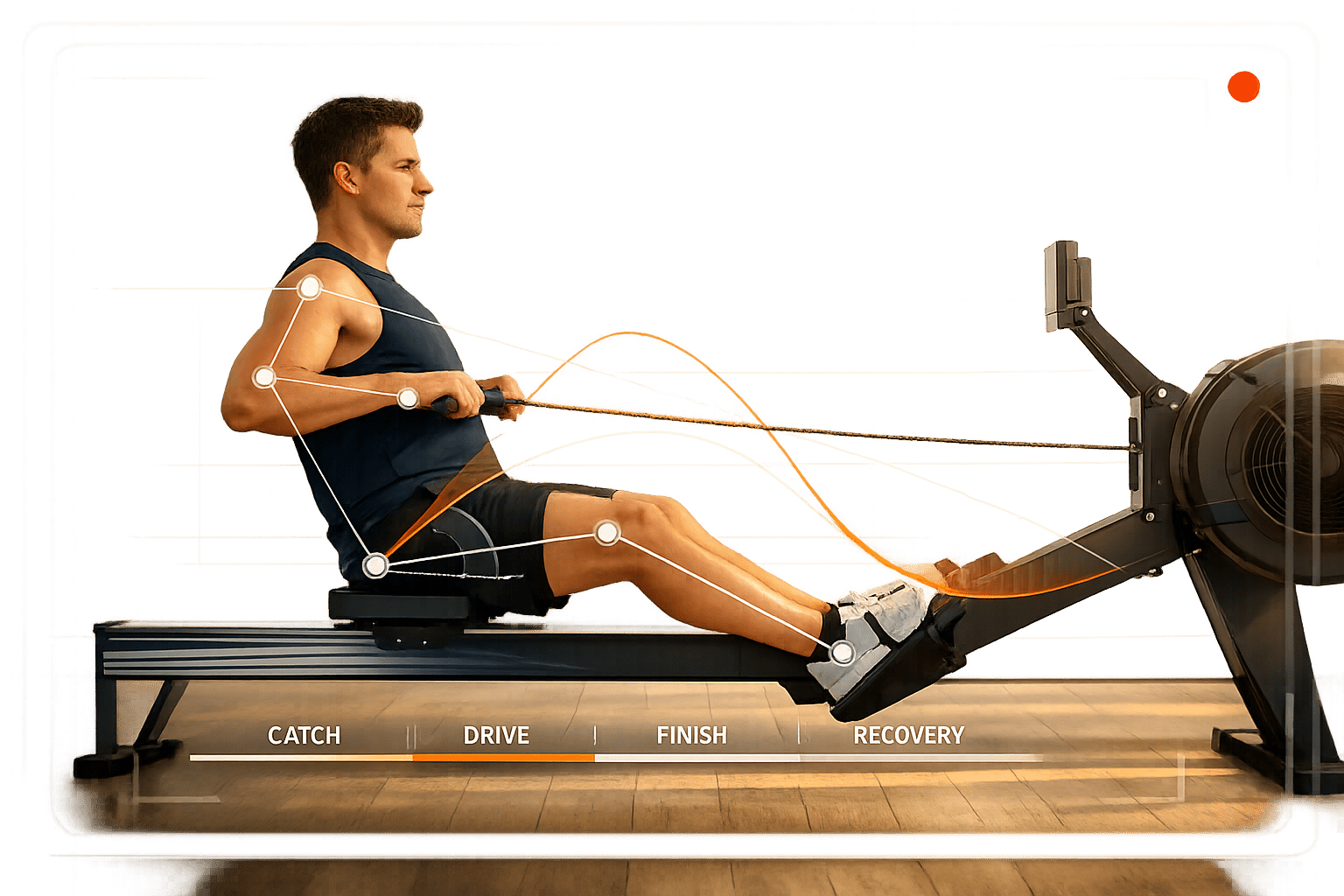
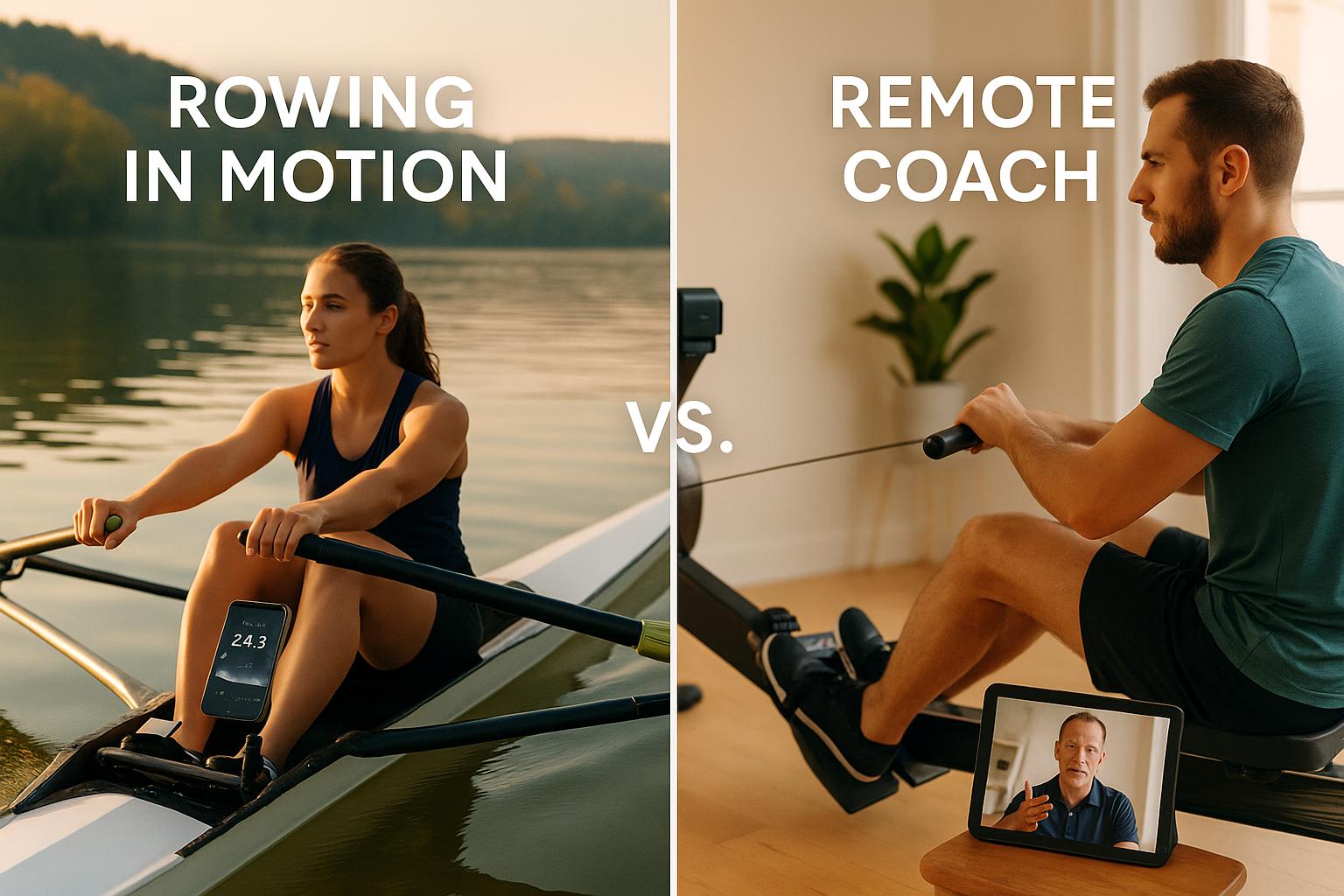
Asensei takes stroke rate tracking to the next level by combining it with a complete coaching experience. Instead of just showing raw numbers, the app uses this data to power video-guided workouts led by top-tier rowing coaches. Many users liken the experience to having a personal rowing coach right in their living room.
Platform Compatibility
Details about platform compatibility are somewhat limited, but the app is known to support popular home rowing machines, particularly Concept2 models. If you’re in the U.S. and using older equipment, it’s a good idea to double-check whether your machine works with the app.
Stroke Rate Measurement Method
While specifics on how stroke rate is captured are scarce, the app uses stroke rate targets to deliver real-time coaching feedback. These targets are integrated into each workout, helping you maintain the right intensity for your fitness goals. Beyond intensity, this feature also plays a role in refining your rowing form, making it a dual-purpose tool.
Primary Use Case
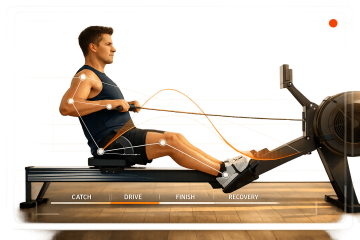
Asensei is designed specifically for indoor rowing and focuses on improving form and providing structured coaching rather than just logging metrics. Workouts are built around stroke rate targets, with coaching cues to guide you in perfecting your technique at different intensities. You can select a training plan that aligns with your fitness level, making the app ideal for rowers looking to combine analytics with expert coaching.
Pricing Model
The app follows a subscription-based model, though pricing details for U.S. users aren’t provided. The subscription fee reflects Asensei’s emphasis on delivering high-quality coaching content from seasoned rowing professionals, rather than just offering basic tracking tools.
App Comparison Table
The table below highlights key features of various rowing apps to help you quickly compare and decide.
| App | Platform | Measurement Method | Primary Use Case | Pricing (USD) |
|---|---|---|---|---|
| Strokes Per Minute | iOS (iPhone, iPad, Apple Watch) | Manual tapping (default 3 strokes) | On-water coaching and coxswain timing | One-time purchase or subscription |
| The Rowing App | iOS | Manual tap timing | On-water coaching and training | Refer to the App Store |
| CrewNerd | Mobile | Sensor-based tracking | On-water performance tracking | Refer to app stores |
| ErgData | iOS, Android | Direct PM connection via Bluetooth or cable | Indoor Concept2 rowing with official metrics | Free |
| LiveRowing | iOS | Performance monitor connection | Indoor competitive workouts and structured challenges | Free with premium subscription upgrades |
| EXR | Mobile | Bluetooth connection to rower | Indoor gamified rowing experience | Refer to app stores |
| Asensei | Mobile | Integrated stroke rate targets with coaching | Indoor form improvement with structured coaching | Subscription-based (refer to app stores) |
This table simplifies the decision-making process by outlining each app’s standout features.
Choosing the Right App for Your Rowing Needs
Your ideal app depends on where and how you row, as well as your budget. If you’re focused on on-water coaching, Strokes Per Minute and The Rowing App provide straightforward, tap-based stroke rate feedback without needing extra hardware. For indoor rowing enthusiasts using Concept2 machines, ErgData offers precise, official metrics, while LiveRowing introduces competitive challenges and structured training plans.
Looking for personalized coaching? Asensei provides real-time feedback and guided sessions through a subscription model. On-water rowers might prefer CrewNerd for its sensor-based performance insights, while those seeking a fun, gamified approach to indoor rowing will enjoy EXR. Whether you want a free app, a one-time purchase, or a subscription, there’s something here to suit your rowing goals.
Conclusion
Keeping track of your stroke rate is a game-changer for improving rowing performance, whether you’re maintaining a steady rhythm or pushing yourself at race pace. The seven apps we explored offer a diverse range of options, from straightforward tools like Strokes Per Minute and The Rowing App to more feature-packed platforms like Asensei and LiveRowing. Some cater specifically to on-water rowing, while others are designed for indoor machines. Choosing the best app depends on your rowing environment, the type of data you want, and whether you’re looking for a free tool or a subscription-based service with added coaching features.
Regularly monitoring your stroke rate helps refine both technique and training intensity. These apps provide real-time feedback that’s tough to achieve through feel alone. By consistently hitting your target stroke rate, you can track progress more effectively. Beginners can use this data to lay the groundwork for proper technique, while seasoned rowers can sharpen race strategies and take their training to the next level. This kind of precise feedback is invaluable for rowers at any skill level looking to enhance their performance.
For even more rowing tools and resources, check out RowingList.com. It’s a go-to directory for mobile apps, rowing machines, coaching programs, and workouts tailored to both indoor and on-water rowing. Give one of these stroke rate apps a try – you might be surprised how a little data can make a big difference, whether you’re on the water or the erg.
FAQs
What should I look for in a stroke rate app for rowing?
When picking a stroke rate app, look for features that matter most to you. Accuracy in stroke tracking is a must, along with a user-friendly design that doesn’t leave you fumbling mid-session. Make sure the app works seamlessly with your device and fits your rowing style – whether you’re on the water or using an indoor machine. Check if it syncs with your current gear to avoid compatibility headaches.
Take some time to read reviews and ratings to gauge how reliable and easy the app is to use. And, of course, make sure the price fits your budget. The key is finding an app that aligns with your rowing goals and personal preferences for a smooth and enjoyable experience.
Are there free stroke rate apps compatible with both iOS and Android devices?
Yes, you can find free stroke rate apps for both iOS and Android. These apps are built to help rowers monitor their performance and refine their technique at no cost. While they might not offer as many features as paid versions, they’re an excellent option for rowers at any skill level looking to get started.
What key features should I consider in a stroke rate app for indoor rowing?
When picking a stroke rate app for indoor rowing, prioritize features like accurate stroke tracking, real-time feedback, and smooth integration with your rowing machine. An intuitive interface and options to personalize metrics can also make a big difference in adapting the app to your workout preferences.
It’s also helpful to choose an app that lets you export your data for long-term progress tracking. These tools can keep you motivated and help you consistently enhance your performance.